Precise GPS Stamps
Display latitude and longitude directly on your photos for clear location records.
◉ LIVE LOCATION37.3861° N
122.0839° WAccurate coordinates at capture
122.0839° WAccurate coordinates at capture
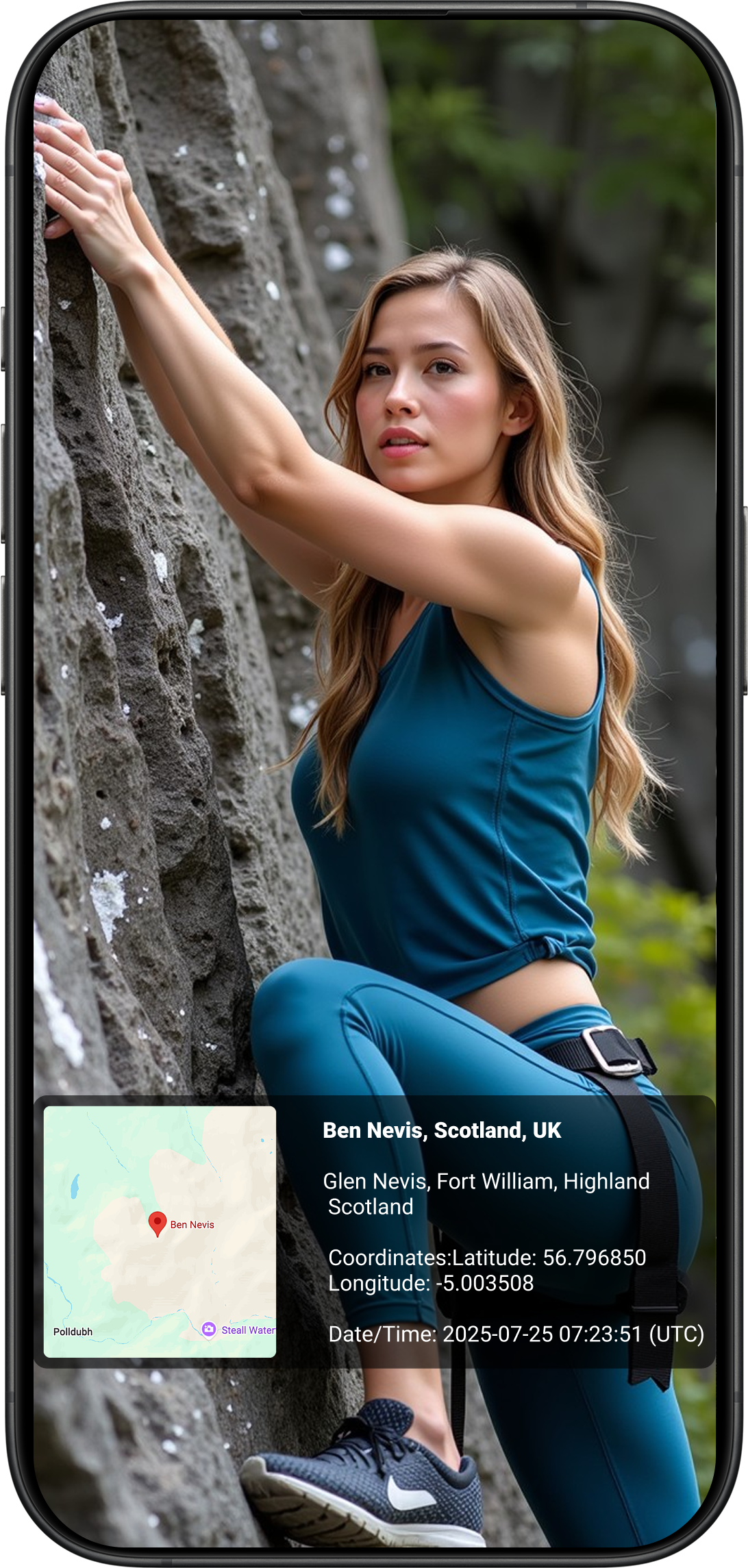
Make every shot tell the whole story. Add precise GPS coordinates, location, date, time and beautiful map stamps to your photos and videos.
Everything you need to capture where, when and how the moment happened.
Display latitude and longitude directly on your photos for clear location records.
Add timestamps that make your pictures easier to organize and document.
Include a helpful map visual to show exactly where the moment took place.
Show location and street-address information directly on your images.
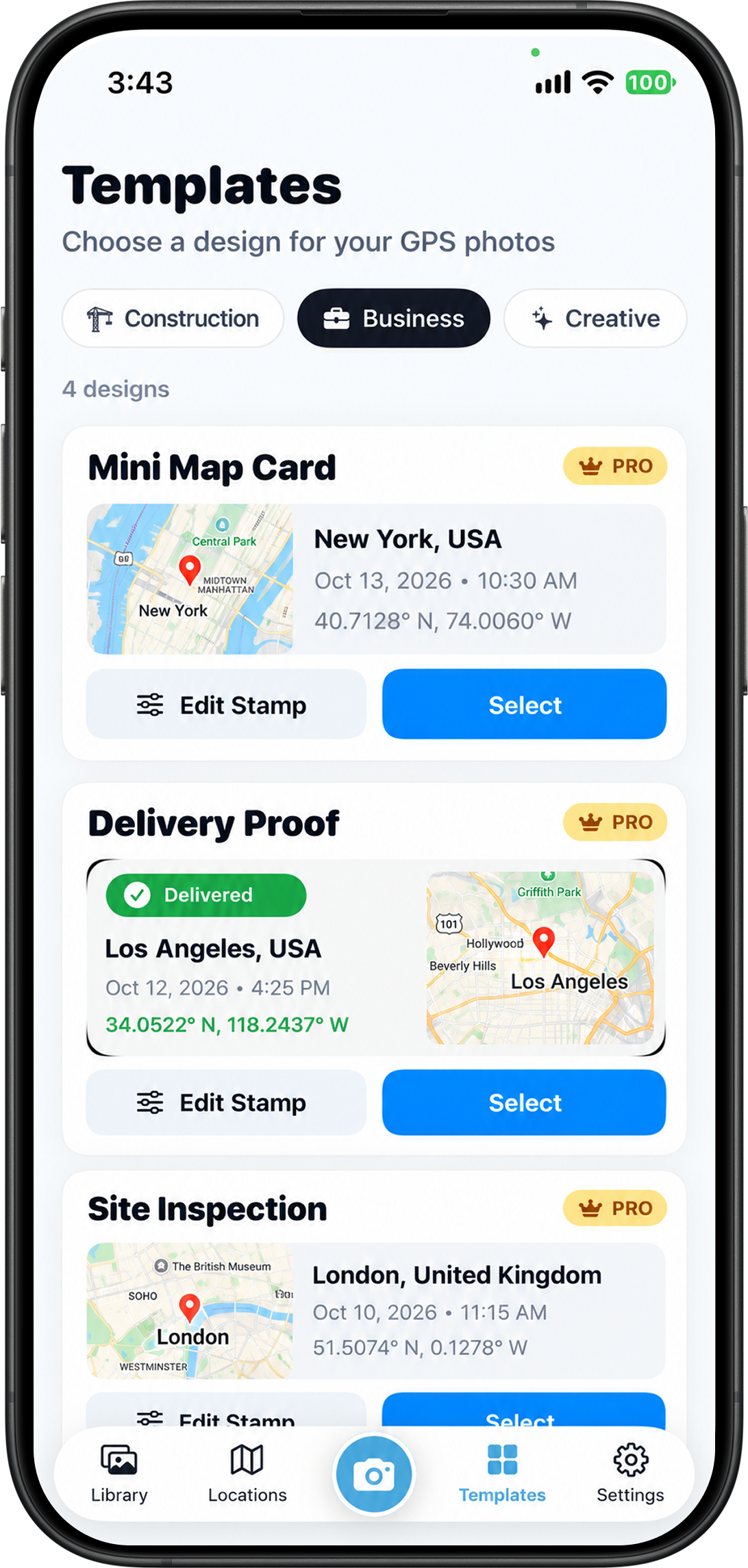
Choose which information appears on your photos and tailor the look to your needs.
Record locations, timestamps and map information for photos and videos.
Whether you're on a trail or on the job, turn everyday captures into useful location-based records.
Wherever details matter, GPS Camera helps you preserve them.
Enable location access so the app can include GPS details in your captures.
Pick your preferred date, time, location and map information.
Take a photo or record a video with useful context right on the image.
The App Store listing indicates support for iPhone and iPad with iOS / iPadOS 15.0 or later.
You can add GPS coordinates, date, time, location address and map information, and customize the information shown.
Yes. GPS Camera is designed for field documentation, property visits, inspections, logistics and other work that benefits from photo records.
The app is free to download and offers optional in-app purchases. Check the App Store for the latest pricing and availability.
Yes, the App Store version history describes video recording with GPS information, map overlays and timestamps.
Capture memories and work records with location and timestamp information.
Download for iPhone & iPad